

ChatGPT Images 2.5: What Has Actually Changed?
OpenAI’s new image release focuses on faster iteration, more controlled edits, and a clearer split between the ChatGPT experience and API model choices.
What OpenAI released on September 8
OpenAI announced ChatGPT Images 2.5 on September 8, 2026. The release has two connected but different parts: an upgraded image experience in ChatGPT, ChatGPT Work, and Codex, plus two API models named GPT-Image-2.5 Flare and GPT-Image-2.5 Sunburst.
That naming distinction is useful. ChatGPT users are getting an image-creation and editing experience with new controls. Developers can choose between two API models based on whether their workflow needs lower latency or tighter editing precision. A model name alone does not tell you which controls appear in a particular ChatGPT account or application.
What changes inside ChatGPT Images 2.5
OpenAI says Images 2.5 improves detail, targeted editing, reference-photo fidelity, and generation speed, with latency reduced by up to 50% relative to Images 2.0. It also says the system follows edit instructions more reliably across multiple turns. Those are OpenAI’s launch claims, rather than independent AI Vitamin measurements. Read the launch announcement.
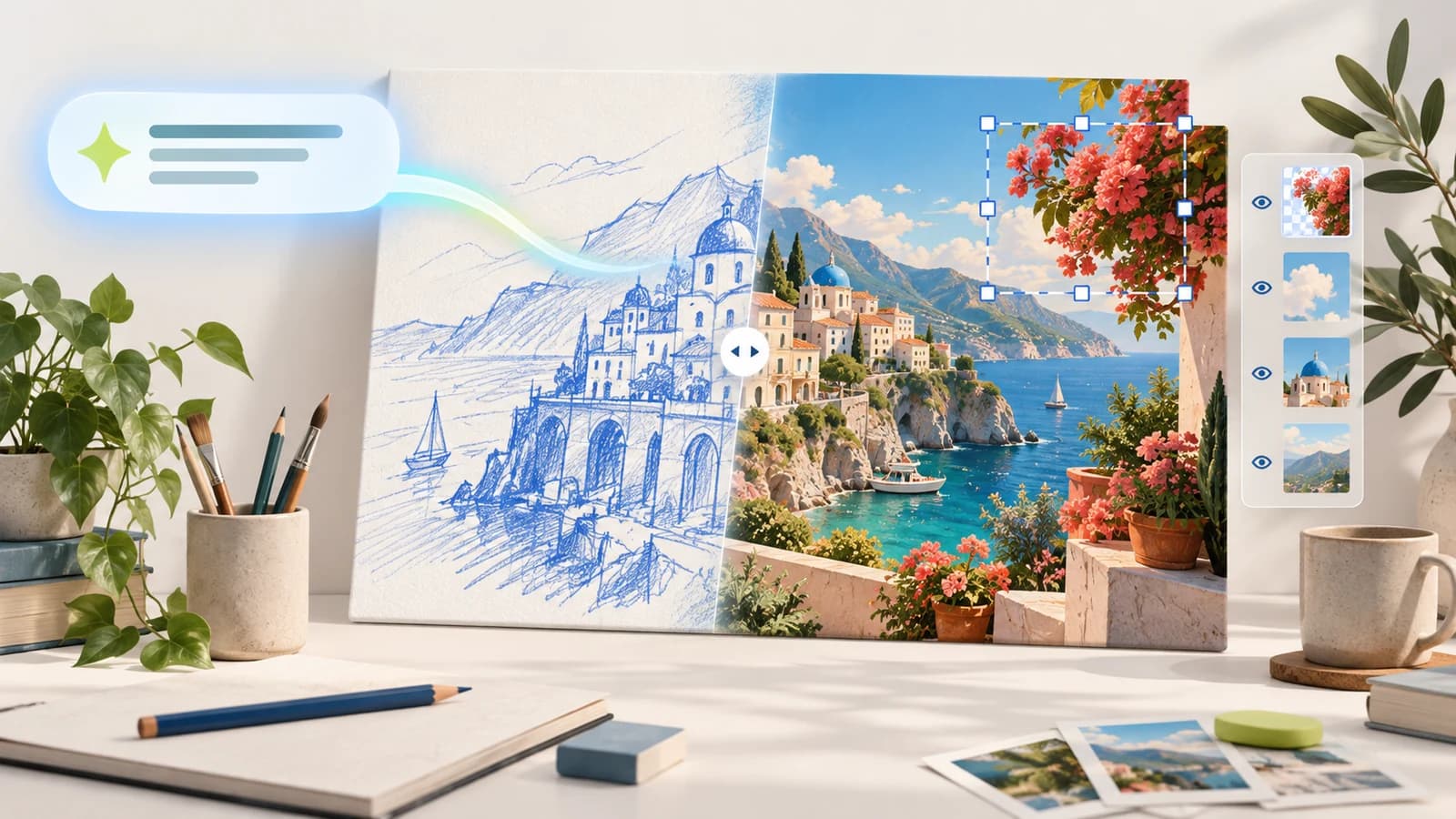
The product update adds several ways to give an image request more structure. Templates offer a starting point for formats such as posters and logos; the mobile Sketch tool lets you draw a rough reference before describing the intended result; image comments provide a more focused editing path; and prompt sharing lets another person make a version with their own inputs. OpenAI’s help guidance says Templates are not yet available in Work mode, and the existing image-generation limits remain in place. Images in ChatGPT help article.
For ordinary image work, the most meaningful change is not a prettier first attempt. It is whether you can change one element without losing the subject, composition, typography, or visual treatment you already approved. That is the claim worth testing with your own assets.
Why precise edits and multi-turn consistency matter
Image generators often look impressive on a clean prompt and become less dependable when a real brief changes. A campaign designer may need a product moved without changing its label, a team may need one background revised without altering a person’s likeness, or an editor may need a correction without resetting the layout.
OpenAI describes Images 2.5 as better at preserving reference subjects, making focused changes, and carrying earlier constraints across multiple edits. Axios’s early hands-on report also found stronger likeness preservation for people and pets, but that is one newsroom’s limited experience, not a broad comparative benchmark. Treat it as a reason to run a focused trial, not proof that every edit will hold up.
For a simple test, start with one approved image, request one bounded change, then make two more changes that should preserve the original subject and composition. Compare the final result with the source at full size and record the number of retries. OpenAI’s examples and the Axios preview are useful context, but your own brief is the decision test.
Flare and Sunburst split the API decision
The API release is deliberately two-track. Flare is OpenAI’s default choice for fast, high-quality everyday image generation. Sunburst is positioned for premium visual work where editing precision matters more and longer generation time is acceptable. Both accept text and image inputs and produce image outputs.
The two model pages list the same published token rates: $5 per million text-input tokens, $1.25 per million cached text-input tokens, $8 per million image-input tokens, $2 per million cached image-input tokens, and $30 per million image-output tokens. The documentation says these rates match GPT Image 2 and warns that the older GPT Image 2 calculator does not estimate GPT Image 2.5 token use. Actual cost still depends on input, output, quality setting, retries, and the application’s workflow.
| Option | Where it is used | Published fit | Important limit |
|---|---|---|---|
| ChatGPT Images 2.5 | ChatGPT, ChatGPT Work, and Codex | Create and edit images with Templates, Sketch, comments, and shared prompts where available | Availability and controls can vary by platform, account, and rollout |
| GPT-Image-2.5 Flare | Images API and Responses API | Fast, high-quality everyday generation and editing | Image output only; streaming and function calling are not supported |
| GPT-Image-2.5 Sunburst | Images API and Responses API | Precision-focused editing and premium visual workflows | Longer generation time is part of the stated trade-off; video output is not supported |
Source: OpenAI’s GPT-Image-2.5 Flare and Sunburst model documentation
A practical test plan before you change a production workflow
Use a real creative brief that contains the kinds of constraints your team actually cares about. Include a reference image if likeness or product identity matters, specify the aspect ratio and text that must survive, and define what must not change. One polished sample does not tell you whether the tool is dependable after revisions.
Run the same brief through your current process and Images 2.5. Then ask for a small edit, a style or composition edit, and one correction that should preserve every earlier requirement. Check the final image for readable text, unintended subject changes, inconsistent lighting, and artifacts at the delivered size. Track the entire cost of the job, including retries and human review.
- Use approved, non-sensitive source images for the trial.
- Define which words, objects, and brand details must remain unchanged.
- Compare time to an accepted final image, not only the first generation time.
- Keep a human review step for factual, regulated, or brand-sensitive visuals.
Safety and provenance remain part of the image workflow
OpenAI says it continues to use prompt and image checks, C2PA metadata, and invisible watermarking for Images 2.5. Its system card also acknowledges that higher realism can make harmful deepfakes more convincing if safeguards fail, and describes protections at both the prompt and image layers. Read the Images 2.5 system card.
Provenance signals and platform safeguards do not settle whether a particular image is appropriate to make or publish. Get permission for reference photos, avoid misrepresenting real people or events, check the applicable product policy, and retain a reviewer who can reject an image when context or rights make it unsuitable.
The practical takeaway for ChatGPT users
ChatGPT Images 2.5 is a meaningful release if its edit consistency and faster iteration survive the kinds of revisions that normally slow your work. The right first step is a bounded creative test with clear acceptance criteria, rather than moving a production workflow after a single showcase prompt.
Start from the ChatGPT product page on AI Vitamin for the product overview and official destination. Then use the model distinction as a planning tool: ChatGPT Images for the product experience, Flare when an API workflow favors speed, and Sunburst when precise edits justify more time.
Questions people ask
GPT Image 2.5 refers to OpenAI’s September 2026 image release. In ChatGPT, the experience is called ChatGPT Images 2.5. For the API, OpenAI introduced GPT-Image-2.5 Flare and GPT-Image-2.5 Sunburst.
Continue exploring
Explore the relevant tools and practical evaluation guides.